 SearchChamp
Local grid rank tracking
Track how your business ranks across a geo-grid around each location — organic and Google Maps side by side.
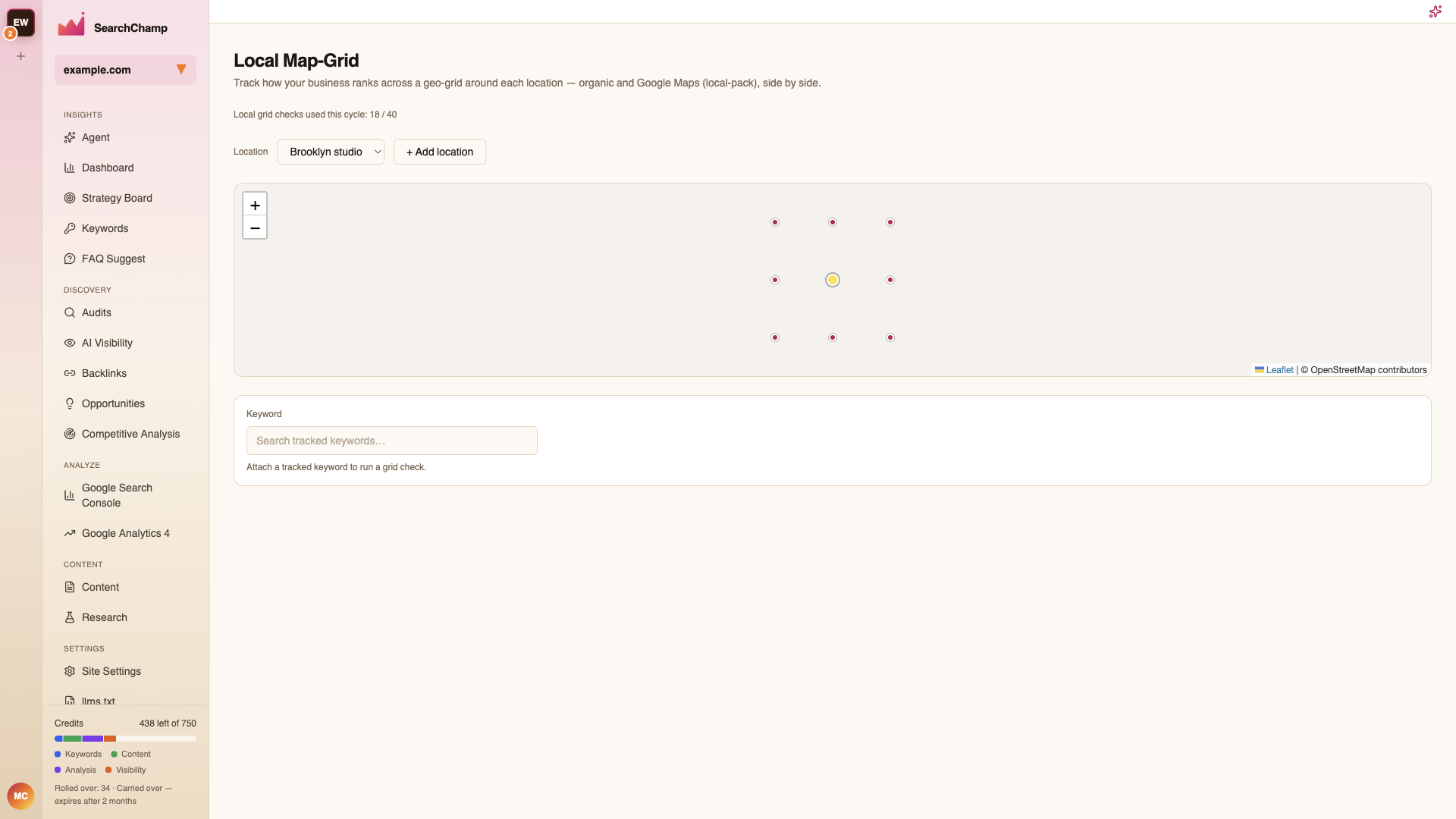
Local Map-Grid tracks how your business ranks across a grid of points around a location, the way a nearby searcher actually sees it — organic and Google Maps (local-pack) results side by side.
A single national rank hides the thing that matters for a local business: you can sit at #3 outside your own front door and vanish two suburbs away.
Adding a location
If you have no locations yet, the page prompts you to add your first business location. Enter a street address; SearchChamp geocodes it and shows a grid preview before anything is tracked.
Reading the grid
Each point on the grid is a separate search from that spot. Colour shows your position there, so the pattern — not the single number — is the finding:
- Strong at the centre, fading outward — normal. The edge of the fade is your real service radius.
- Patchy — competitors own specific pockets. Those are targetable.
- Weak at the centre — a listing problem, not a content problem. Check the business profile first.
Switch between organic and Maps results to see which surface you're losing.
Checks and allowance
Grid checks are metered — the page shows how many you've used this cycle (e.g. Local grid checks used this cycle: 18 / 40). A denser grid or more locations uses more, so start coarse and tighten where it's interesting.
Related articles
SERP volatility
Read how much the search results are moving for your tracked terms, so you can tell a real ranking change from routine turbulence.
Markets (target market & localization)
Track AI Visibility and rankings for the market your buyers are actually in — with an honest disclosure of what's approximate versus measured.