 SearchChamp
My Links
Every link pointing at your site, by link, domain, anchor, and page.
My Links is your own link profile, cut four ways.
All Links
One row per link: Referring domain, Anchor, DR, Target URL, Source filter, Status, and First seen.
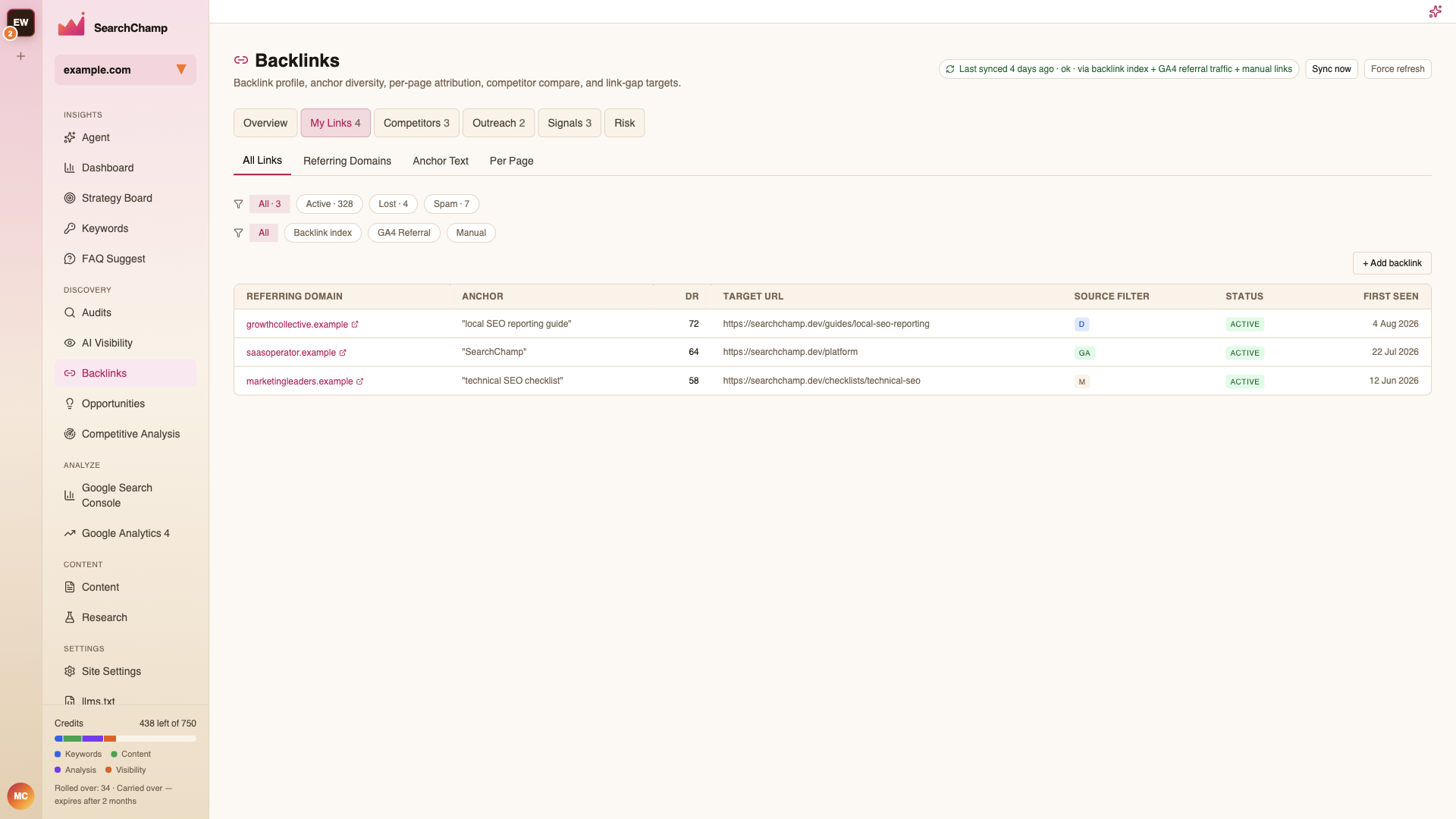
Two filter rows sit above the table:
- Status — All, Active, Lost, Spam, each with a count.
- Source — All, Backlink index, GA4 Referral, Manual. The badge in the Source column (D / GA / M) tells you where each row came from.
+ Add backlink records a link manually — useful for one a crawler hasn't picked up yet.
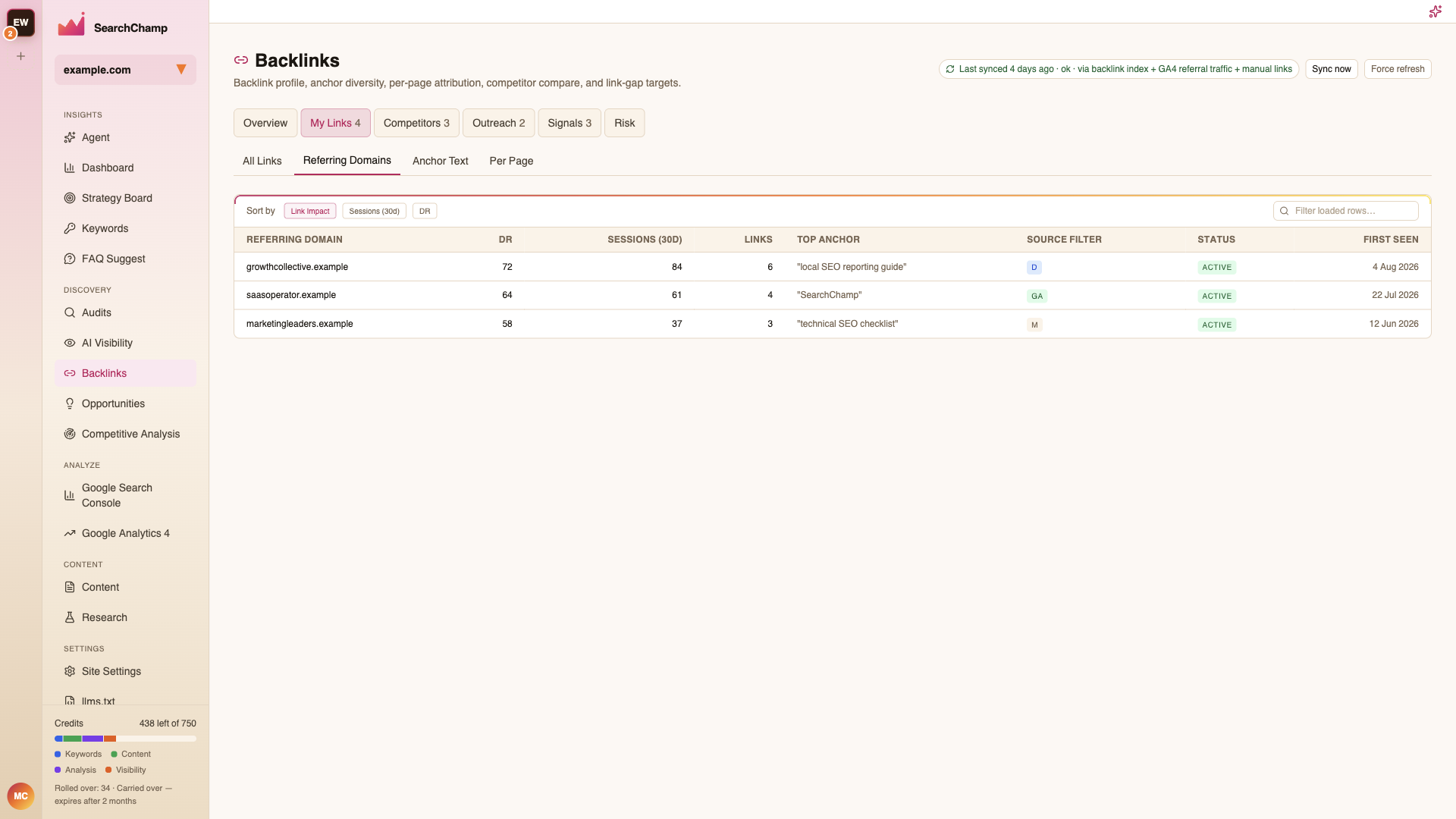
Referring Domains
The same profile rolled up per domain rather than per link, so one site linking to you fifty times counts once. This is the number to watch: domain count grows far more slowly than link count, and it's the better measure of real authority.
Anchor Text
What people actually write when they link to you, and how concentrated it is.
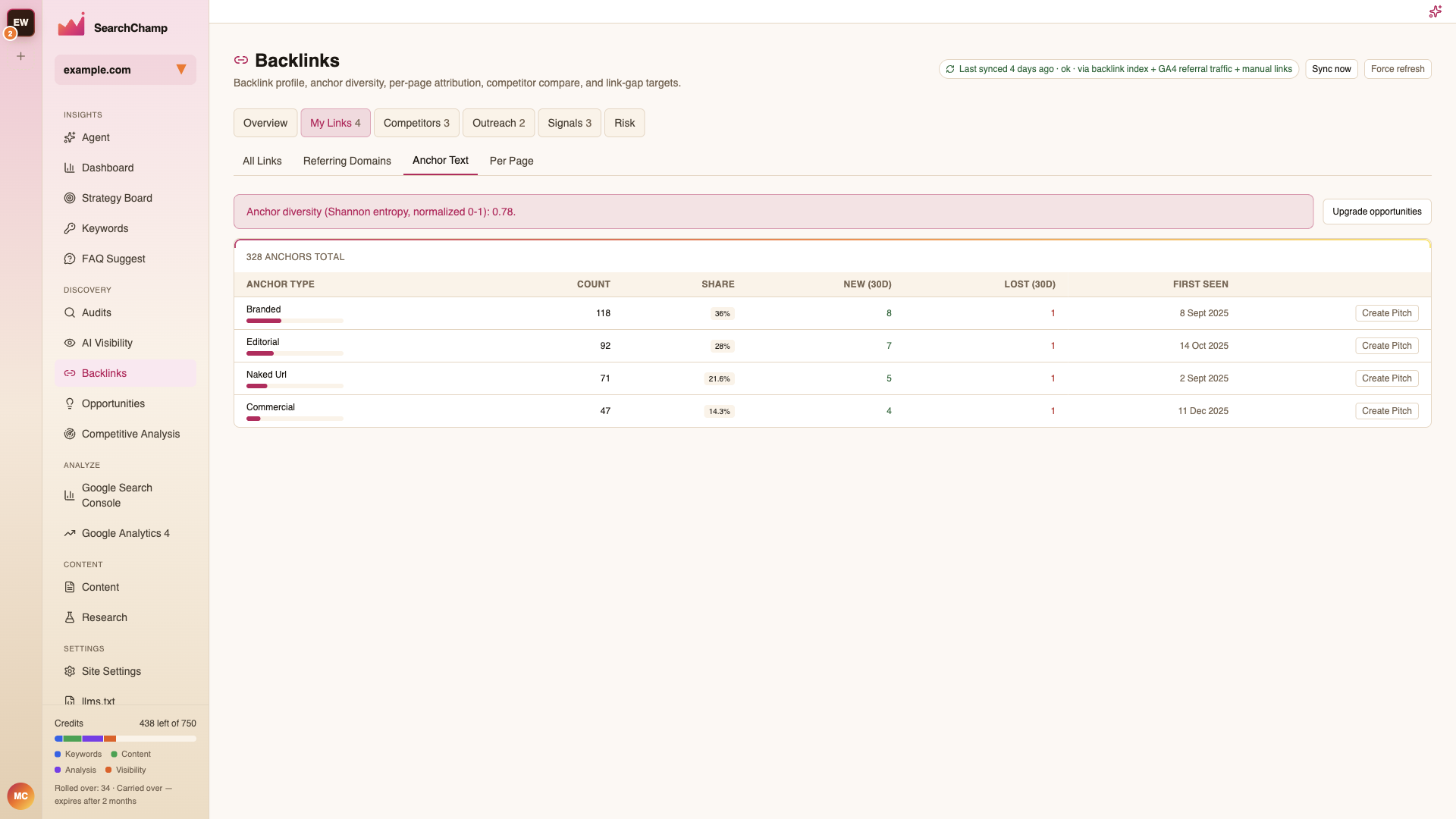
Low anchor diversity — most links using the same phrase — reads as manipulation. A healthy profile is mostly brand and naked-URL anchors with exact-match keywords in the minority.
Per Page
Which of your pages earn the links, with Links and Avg DR per page.
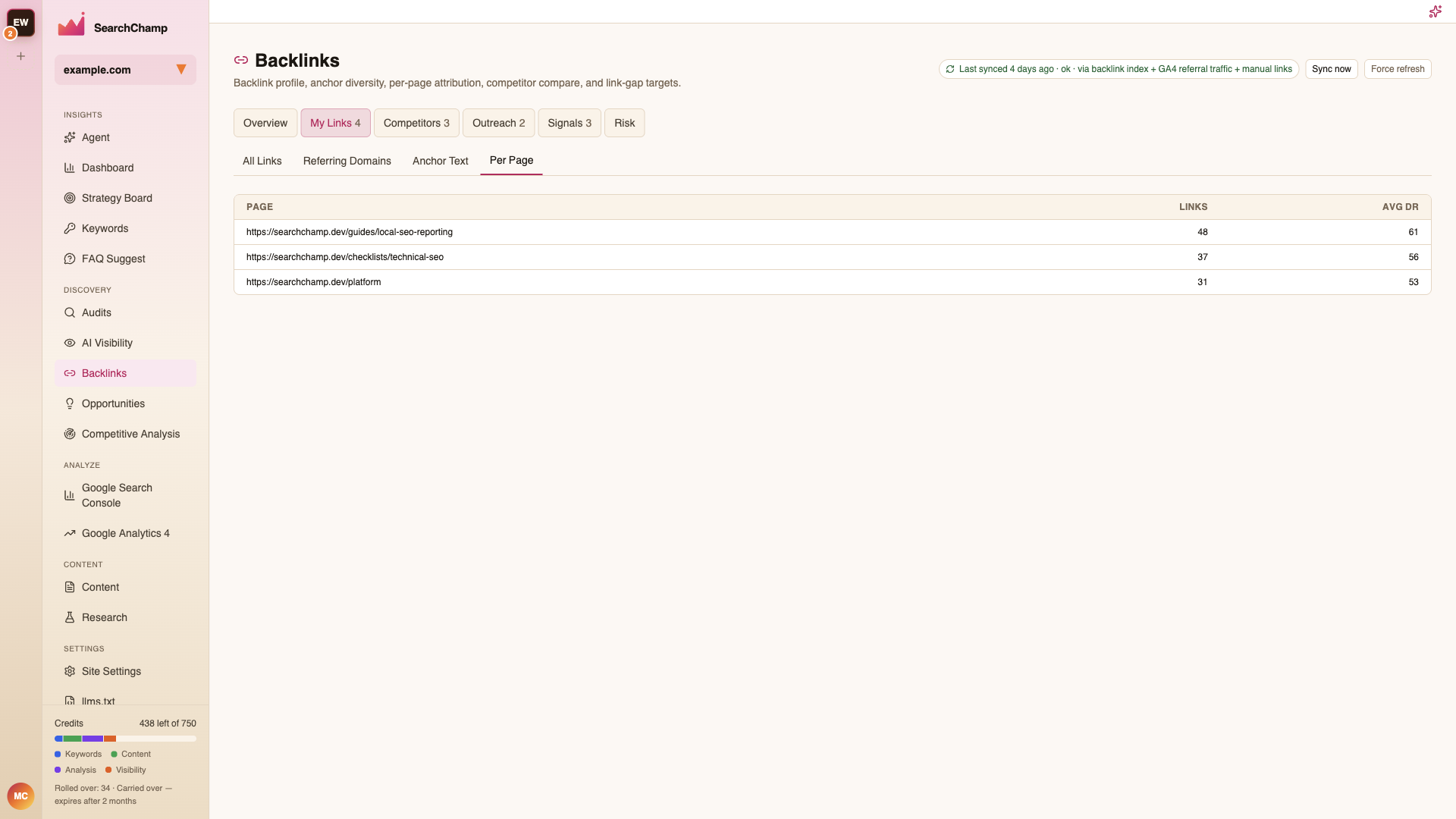
Use it to find your genuine link magnets — then point internal links from them at pages that need the authority.