 SearchChamp
Backlinks
Your live link profile — gains, losses, anchor diversity, outreach, and risk.
Backlinks tracks who links to you, what you're losing, where rivals are ahead, and the outreach to close the gap.
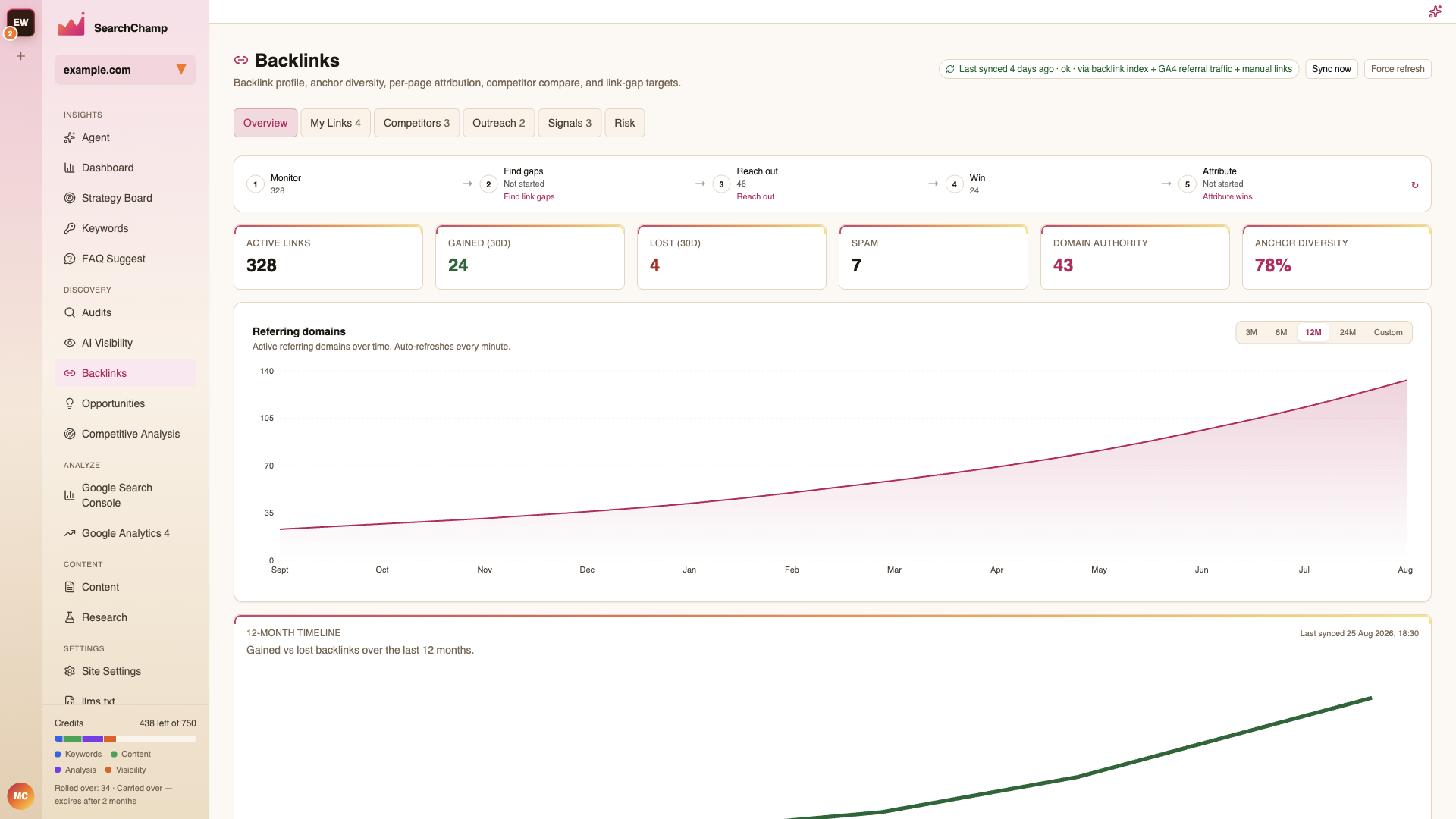
The five-step journey
The strip across the top is the whole workflow, in order, with your live counts on each step:
1 Monitor → 2 Find gaps → 3 Reach out → 4 Win → 5 Attribute
A step reading Not started is a link to begin it. This is the fastest way to know what to do next.
Overview metrics
Active links, Gained (30D), Lost (30D), Spam, Your domain authority, and Anchor diversity, then a Referring domains chart (3M / 6M / 12M / 24M / custom) and a 12-month timeline of gained vs. lost.
Your domain authority is your own site's Moz Domain Authority (0–100), read from a cached Moz measurement for your site's exact domain. The tile names Moz and the date the value was cached. A value cached more than 7 days ago is marked stale and keeps its original date. When no measurement is cached for your domain, the tile shows Not measured — never 0 and never another site's score. Ratings of the sites that link to you are listed under Referring Domains, not here. Domain Authority is a relative comparison score; it does not guarantee search rankings.
The header shows when the profile last synced and from which sources — the backlink index, GA4 referral traffic, and any links you added by hand. Sync now refreshes; Force refresh re-pulls from scratch.
The tabs
| Tab | What's inside |
|---|---|
| My Links | All Links, Referring Domains, Anchor Text, Per Page |
| Competitors | Competitor Compare, Competitor Backlinks, Link Gaps, Find Prospects |
| Outreach | Pitches, Drafts, Replies, Templates, Links won, Recovery — plus Autopilot |
| Signals | Brand Mentions, Linking Authors, IP Networks |
| Risk | Links that broke, were lost, or redirected |