 SearchChamp
Feature ReferenceAI Visibility
Alerts
Notable changes in your AI visibility, worth a look.
Alerts surfaces changes worth your attention — a prompt where you gained or lost ground, a competitor overtaking you, a fact sheet contradiction. The tab badge shows how many are active.
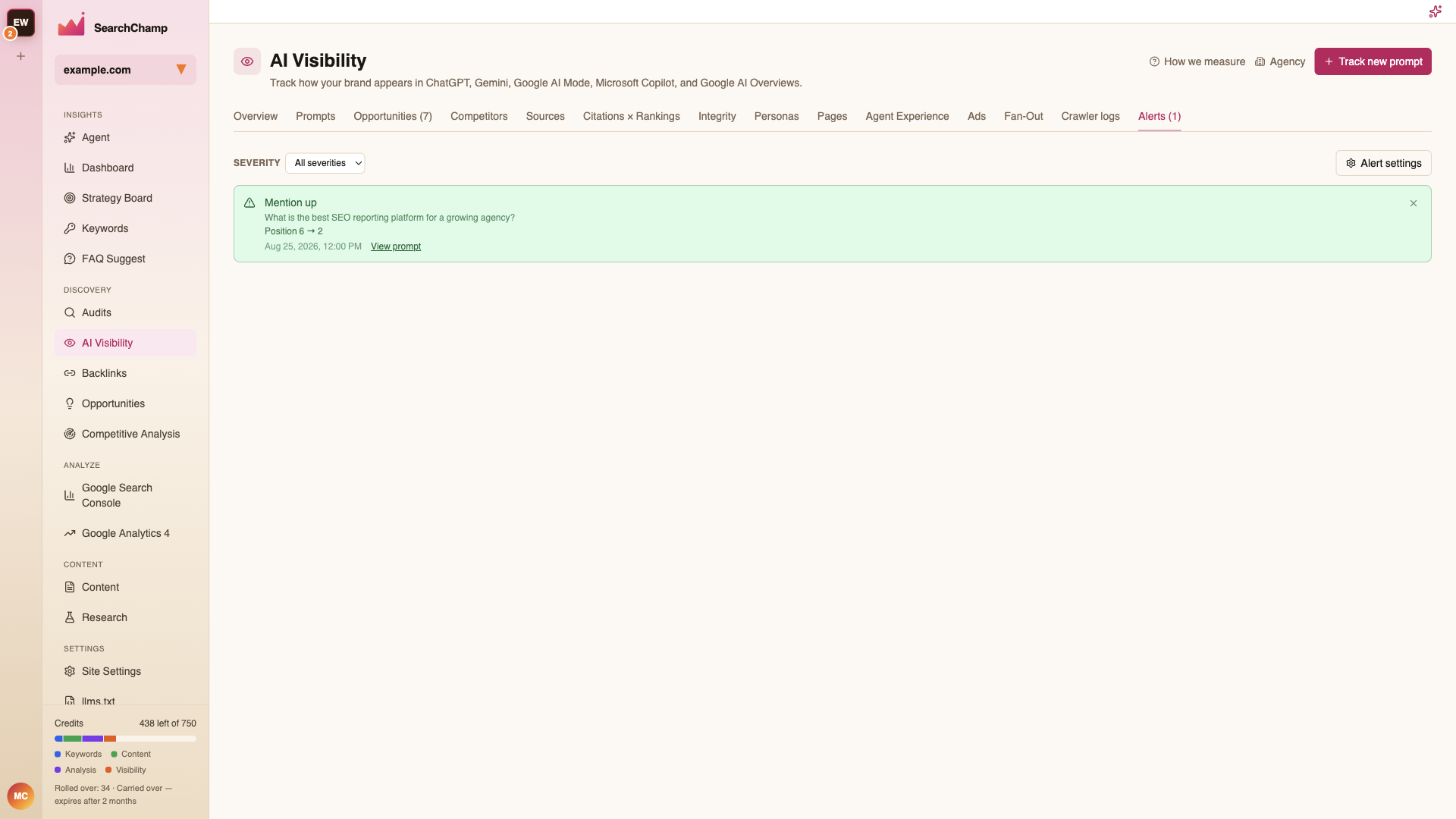
Each alert names what changed and by how much (e.g. Mention up — Position 6 → 2), which prompt it belongs to, and when it fired. View prompt opens that prompt's detail; the × dismisses it.
Filter by Severity, and use Alert settings to choose which changes are worth alerting on and how sensitive the thresholds are.
A quiet Alerts tab is good news. If it's noisy, tighten the thresholds in Alert settings rather than learning to ignore it.